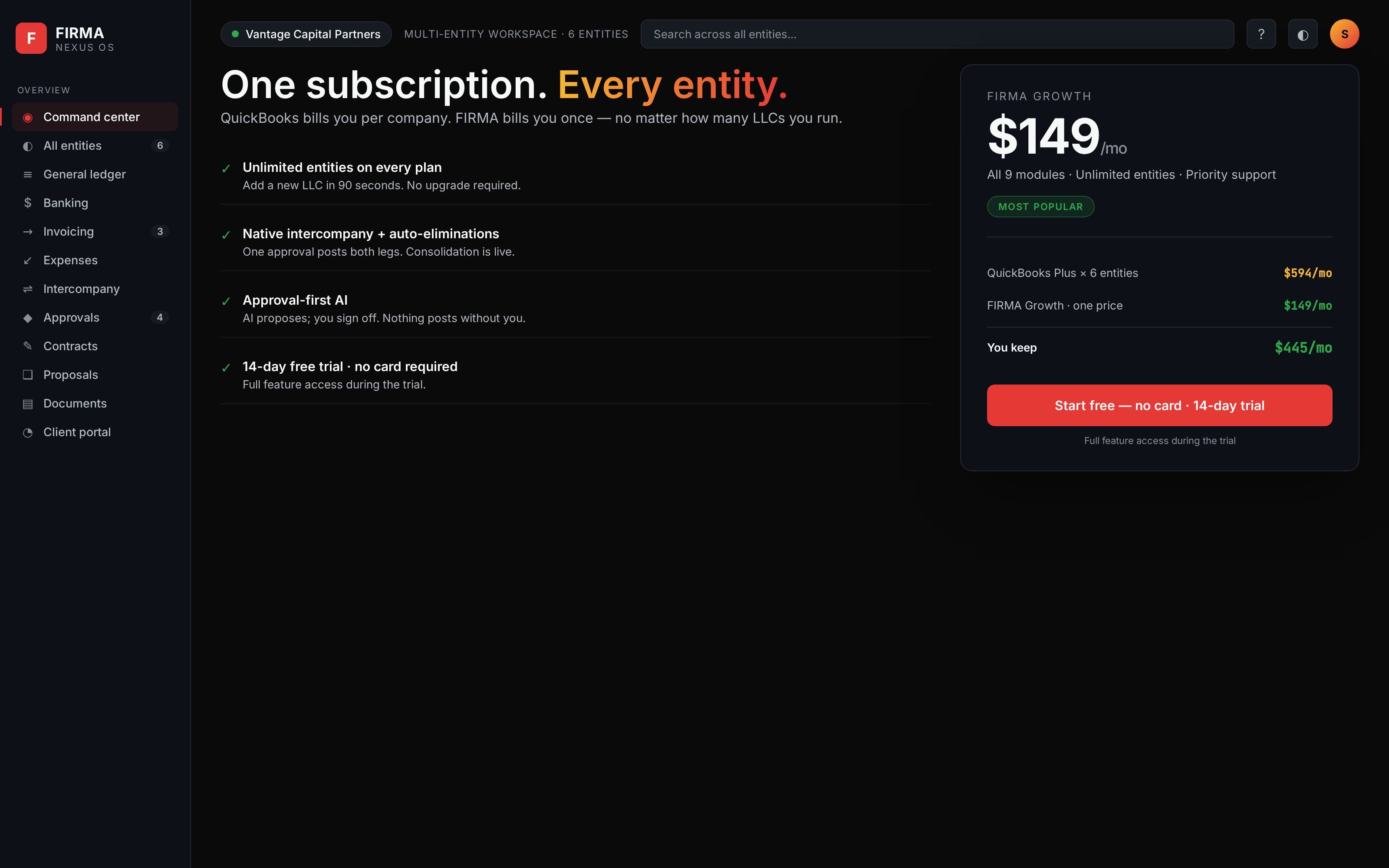
What multi-entity owners typically pay QuickBooks
FIRMA vs QuickBooks
Built for the multi-entity reality QuickBooks charges you twice for.
QuickBooks is excellent for a single company. But run several entities and the model works against you: a subscription per company file, no native intercompany, and a consolidated view you have to assemble yourself. Here is the honest comparison.
Comparison reflects how QuickBooks Online is commonly used for multiple companies as of 2026. QuickBooks is a trademark of Intuit Inc.; FIRMA is not affiliated with or endorsed by Intuit. Final pricing depends on the plans and offers each business selects — see your vendor for current terms.
Start with Books. The rest follows.
Start free, choose the plan depth you need, and keep every entity in one operating record from day one.
QuickBooks figures are typical published per-file ranges, shown for comparison only. Multi-entity accounting is included with FIRMA at no extra charge.
Calculate your exact savings
Calculate what you're paying QuickBooks
Drag to set your entity count
Pricing questions
How many entities does each FIRMA plan include?
Starter covers 1 entity, Professional covers up to 5 entities, and Enterprise covers unlimited entities. All plans include multi-entity accounting for the entities in your plan. Consolidated reporting is on the roadmap.
How does FIRMA pricing compare to QuickBooks for multiple LLCs?
A Plus-style QuickBooks plan typically runs around $115/month per company file. If you have 3 entities, that is roughly $345/month — before payroll, per-user fees, or add-ons. FIRMA Professional at $149/month covers up to 5 entities with multi-entity accounting included.
Is there a free trial?
Yes. All FIRMA plans include a 14-day free trial with full feature access. No credit card required to start.
Can my CPA or outside accountant access FIRMA?
Yes. All FIRMA plans include an accountant seat at no additional charge. Your CPA gets read-only access to financial statements and can export tax-ready data directly.
What happens if I have more entities than my plan allows?
You can upgrade to the next tier at any time. The upgrade is immediate. Entity data is never locked or held hostage — you can export everything at any time on any plan.
Does FIRMA offer migration assistance from QuickBooks?
Yes. Professional and Enterprise plans include white-glove migration assistance. FIRMA supports migration from QuickBooks Online, QuickBooks Desktop, Xero, Wave, and CSV/Excel.
What does approval-first AI mean on the Enterprise plan?
FIRMA requires controller review before any entry posts to the ledger on all plans. Enterprise adds AI-assisted classification that proposes account coding, and AI anomaly detection that flags unusual transactions for review.
Can I cancel anytime?
Yes. Month-to-month plans cancel at the end of the billing period. Annual plans may be cancelled but are not refunded for the remainder of the term.
Try FIRMA free for 14 days
All your entities, one subscription.